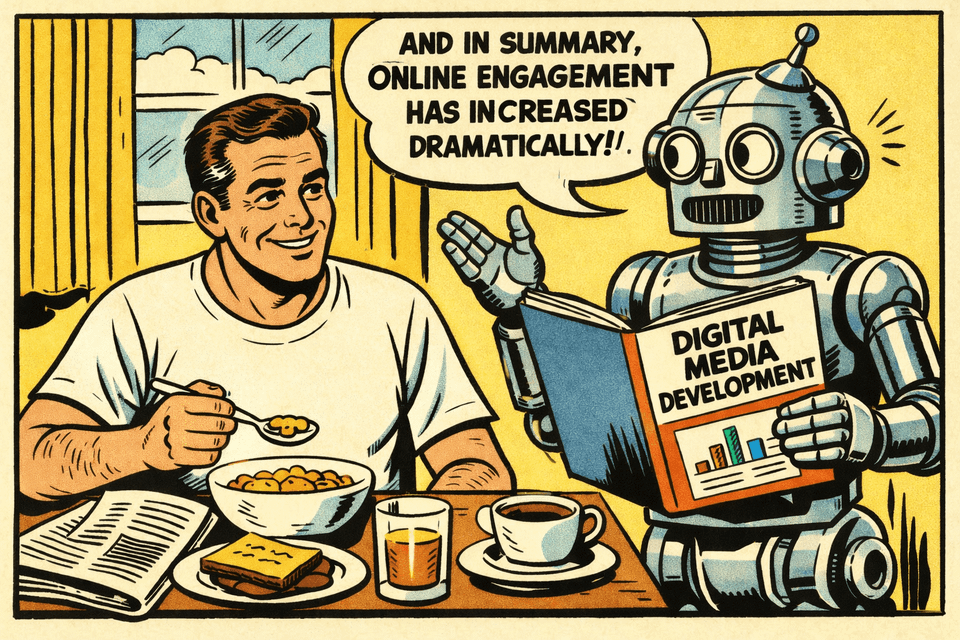
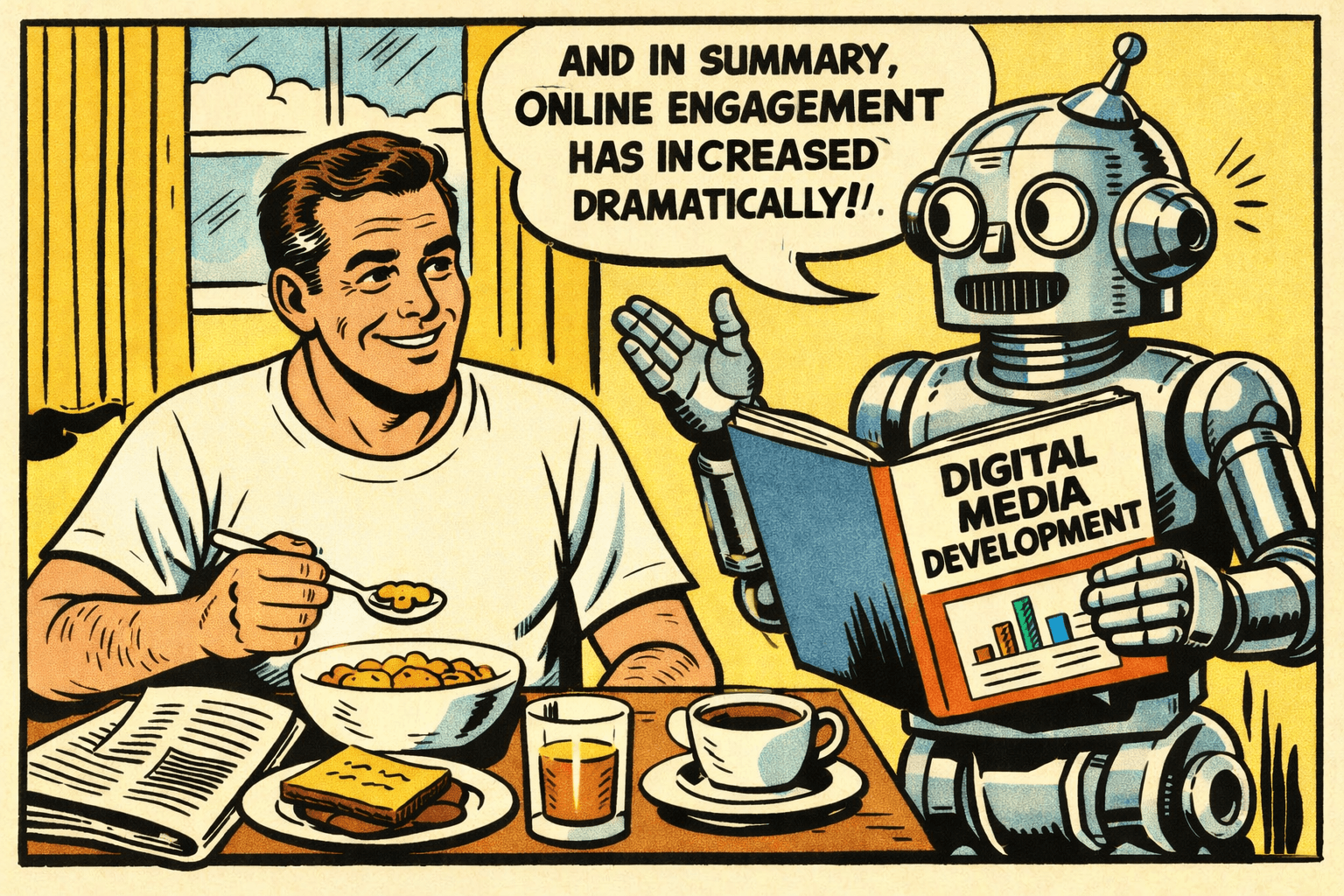
NotebookLM – My Breakfast Companion
My name is Lars K Jensen, and I work with journalism and editorial insights as the Audience Development Lead at Berlingske Media in Denmark. This is my personal newsletter.
Feel free to connect on LinkedIn and say hi.
Executive summary:
The Tool: Google’s NotebookLM isn’t just a chatbot you can feed with your own sources; its "Audio Overview" creates realistic, podcast-style conversations based only on the sources you provide.
The Habit: It’s moving from "AI gimmick" to a genuine productivity hack—perfect for "reading" long industry reports during breakfast or a commute.
The Twist: "Interactive Mode" lets you interrupt the AI hosts to ask questions or dive deeper into specific points.
Recently, I did a demo of Google's NotebookLM tool (I'll introduce it in a moment if you're not sure what it is) and as I usually do I started off by asking how many of the people in the room had already heard about NotebookLM.
A few hands came up. I then asked how many had heard about it through the podcast feature in NotebookLM. Most of the hands stayed up. I knew the feeling.
When I first heard about NotebookLM in spring/summer 2024, it was also because of what is called the "Audio Overview" feature.
In short, it takes what you have fed into NotebookLM and generates it as an audio conversation between two AI voices, making it sound like your classic podcast episode. It's amazing.
But for me it was also a little gimmicky. I didn't need to listen to documents and information. I needed to make sense of that information.
While preparing for a talk on AI back in 2024, I came across this video introduction to the tool by author Tiago Forte. Here, he explains how he uses it for note-taking; both organising, making sense of and connecting his notes.
This made a lot more sense to me than the conversational audio output which was otherwise pretty hyped at the moment.
Since then, I have been a pretty frequent user of NotebookLM. Whether it's for organising, making connections across my own articles, reports or any other source of information – and I've become very impressed with the tool.
What is NotebookLM?
If you don't know NotebookLM yet, perhaps now is a pretty good time to introduce it 😄
NotebookLM is an AI chatbot powered by Google's Gemini model. But where Gemini can pick from whatever data it was trained on (or can find online), NotebookLM can only look for answers in the sources, you've given to it.
It can eat text, audio, video and images across a range of file types – and the sources you upload stay private to you (and Google doesn't train its models on neither that nor your conversations with NotebookLM):
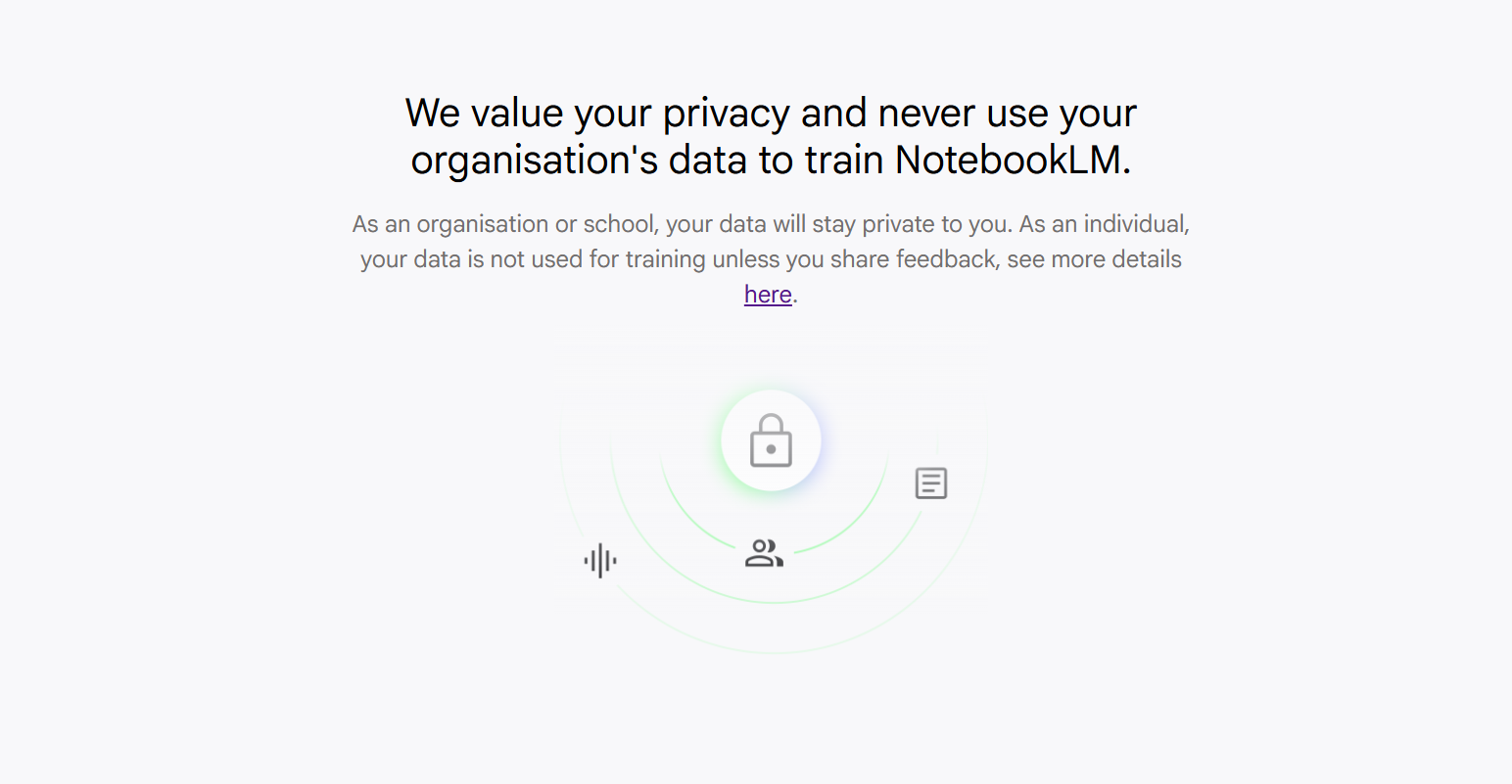
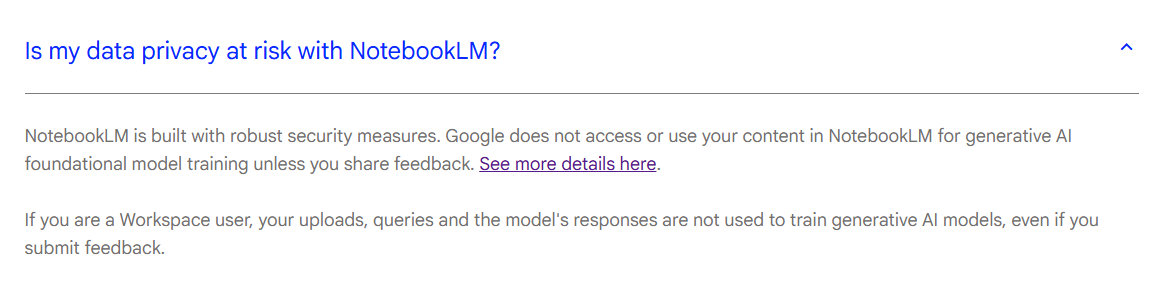
(Just make sure you have rightful access to what you upload to NotebookLM and don't share copyrighted materials – or allow access to them – with other people or users who don't have that right.)
If you are curious, the following filetypes are listed as supported in NotebookLM at the time I'm writing this:
pdf, txt, md, docx, csv, pptx, epub, avif, bmp, gif, ico, jp2, png, webp, tif, tiff, heic, heif, jpeg, jpg, jpe, 3g2, 3gp, aac, aif, aifc, aiff, amr, au, avi, cda, m4a, mid, mp3, mp4, mpeg, ogg, opus, ra, ram, snd, wav, wma
Okay, so back to that demo I was giving.
My example of how to use NotebookLM was by downloading the latest report from "DR Medieudviklingen", which is an annual analysis on media consumption in Denmark done by the Danish Broadcasting Corporation.
I showed how you can chat with that particular report and use the back and forth communication with the chatbot as a way of finding your way around and deeper into the report.
As I mentioned some of the features available in NotebookLM's "Studio"...
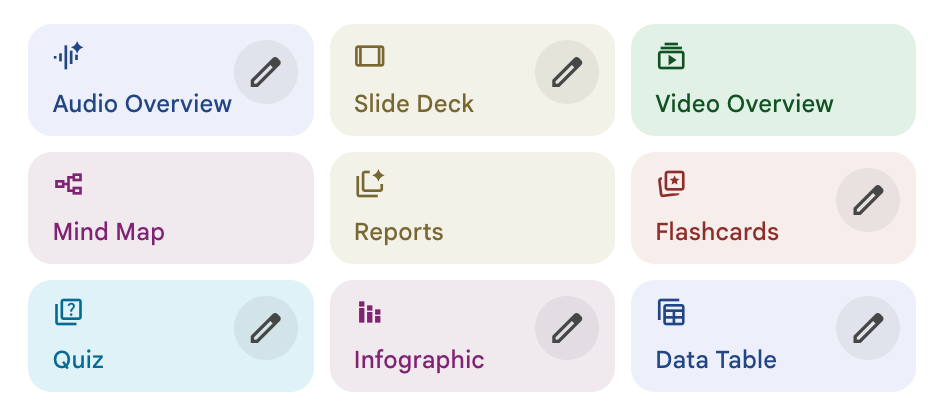
...we also talked about the audio overview and I described how I felt it was more of a gimmick than something actually applicable.
But: What if you just wanted to know the most important facts and findings from the latest Medieudviklingen report (which is well known and regarding in the Danish media industry) but didn't have the time to read it?
Well, with NotebookLM you can do just that.
Once you have a source uploaded to NotebookLM, generating an audio overview is as easy as pressing the "Audio Overview" button. But if you instead hit the pencil on the button, it'll give you a few ways to customize the output:
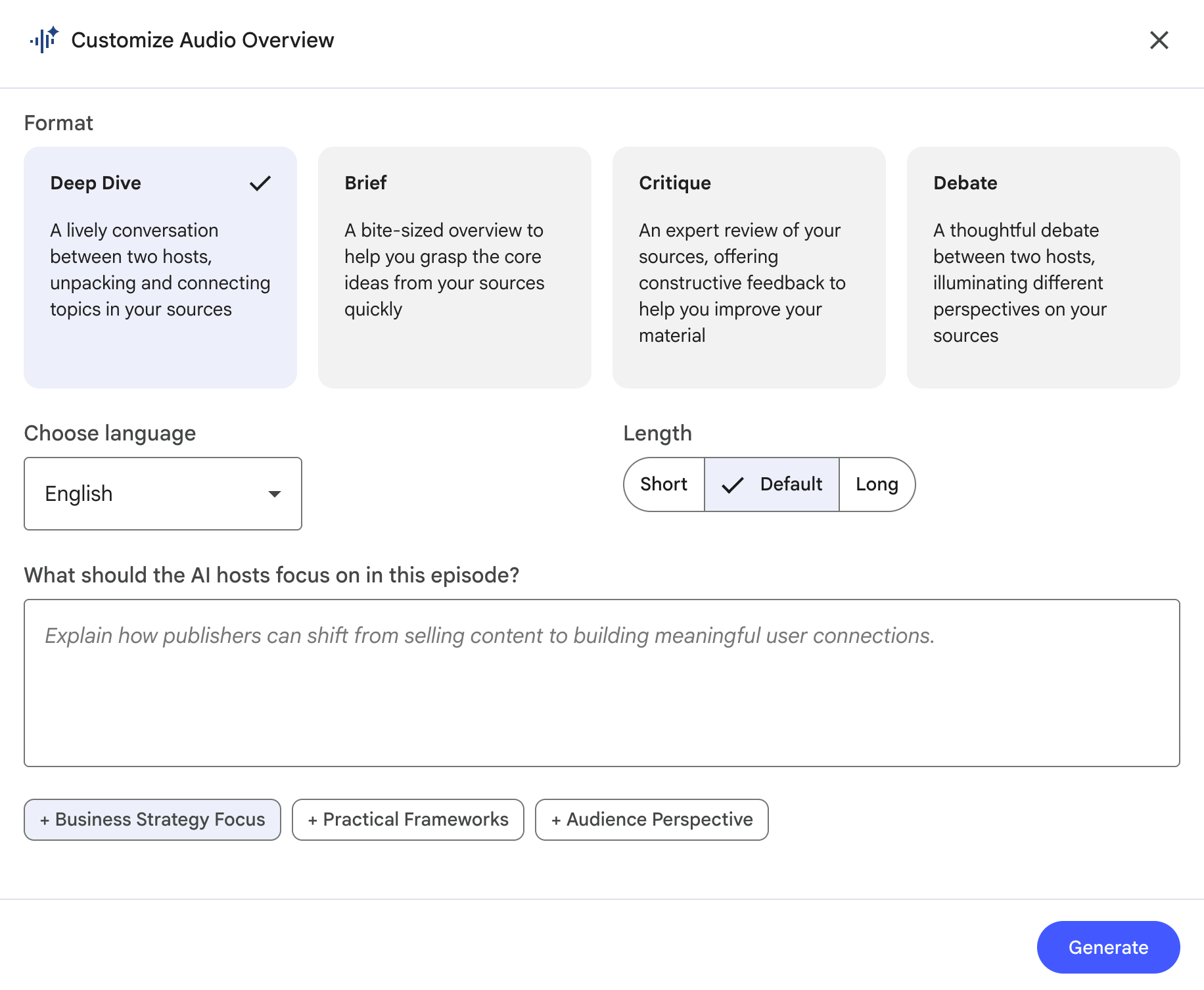
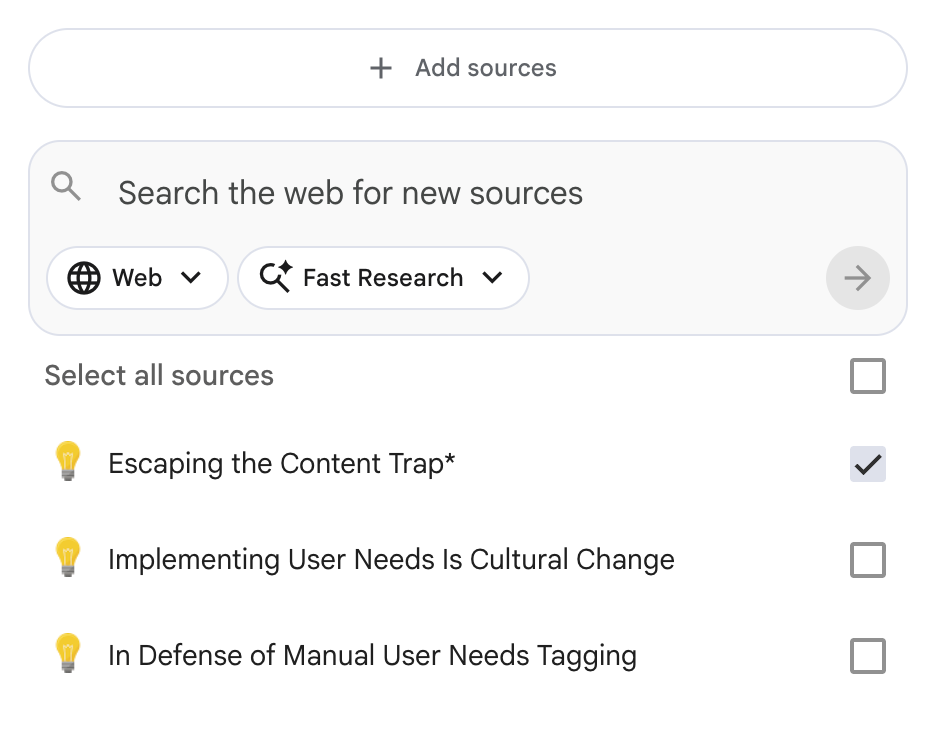
If you have more than one source in your current notebook (you can create multiple notebooks for different purposes) you can use the text field to tell it to focus on one or more sources in particular.
An easier way to do this, though (if you ask me), is to make sure that you have only checked the source(s) you want to build your audio overview on before hitting the button:
So, where does the breakfast come into the picture?
Right now.
When I have the chance and time, I enjoy listening to audio during breakfast. To me there is just something about learning while eating the first meal of the day.
When I subscribed to The Economist, this is where I would usually listen to some of the articles, because they have a good fit for the breakfast situation in terms of length.
Too many podcast episodes are too long (one of my major gripes with the format) – but NotebookLM gives me some control over the length, and the Audio Overviews I've generated usually comes in at around 15-20 minutes, which is perfect.
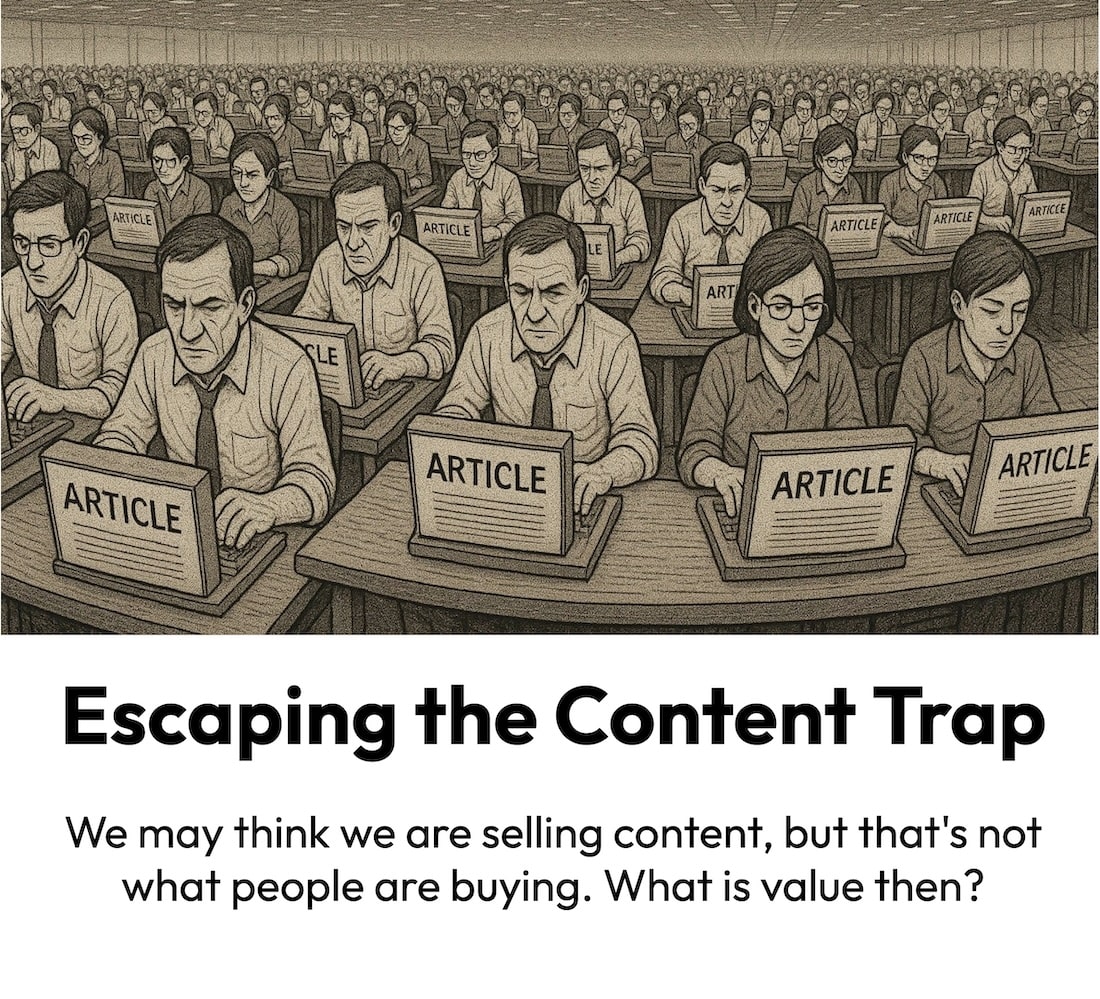
To give you a sense of what an Audio Overview from NotebookLM sounds like (while making absolutely sure I don't violate any copyright laws), here's its audio take on one of my articles, Escaping the Content Trap:
(Or maybe you noticed that I had a NotebookLM audio overview embedded in my recent article, "Robots as Our Future Audiences?".)
When you've heard a few of them, you'll start recognising how it uses certain approaches and words ("let's unpack this" seems to be a favourite expression). But to me the experience is still very much good enough to listen to.
It does sometime take a little time to generate the audio file (it took about 15-20 minutes the times I've timed it), so I would advice you to generate it as soon as you get up. Or you could make a habit of doing it before you leave work the day before – and perhaps even make sure you have a few to choose from.
This means that when I sit down for breakfast (or any other suitable situation and context, for that matter) I can dive into a conversation around and into a report, thought piece or similar that I want to read, but don't have the time (or motivation) to sit down and read.
Text to speech vs. audio overview
Sure, you could also generate a 1:1 audio version of the article or report, but I think the audio overview is excellent for a few reasons:
- First, it saves you time, if we are talking about a report or any other kind of long read (or watch, for that matter, as NotebookLM can feed on videos as well).
- Second, the conversation (even though it's two machine voices talking to each other) has a better flow than in some text to speech renditions, where you can clearly hear that you are listening to something that was written and meant to be read, not listened to.
- And third (and this is probably what is most important to me) it dives into the subject and puts it into context – and it even does a little research. For instance, when I feed it an article of mine that has links in it, it visits those web pages and includes information from it in the audio edition.
An example of that last point is the audio overview on my Robots-future-audiences piece (which you can listen to here). It actually went to Google's blog post announcing their new Agent Payments Protocol (AP2) and mentioned some of that information (that it's based on tokens, for example).
I mean... that is just wild. And imagine where it can take you, when you start asking it questions as you listen.
🗣️ Talk to it
Because wait, there's more. Instead of just listening to the AI conversation you can jump in if you feel like it – for instance if a question pops up.
If you generated your audio overview in English (it doesn't work in Danish for me) you get access to what is called "Interactive mode" - shown by this waving pick me hand:
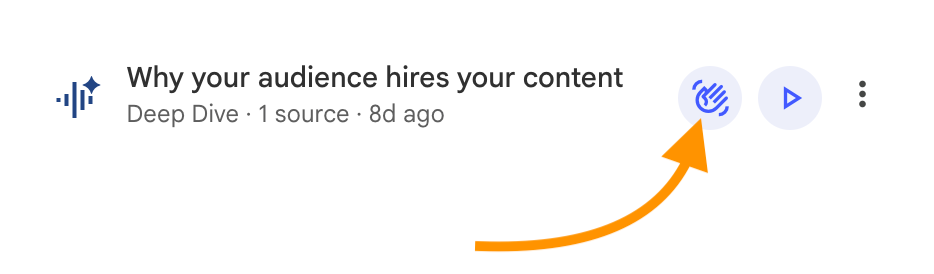
When you then hit the play button in the audio player (that opens up after you've pressed the hand), you can jump into the conversation by pressing this button:
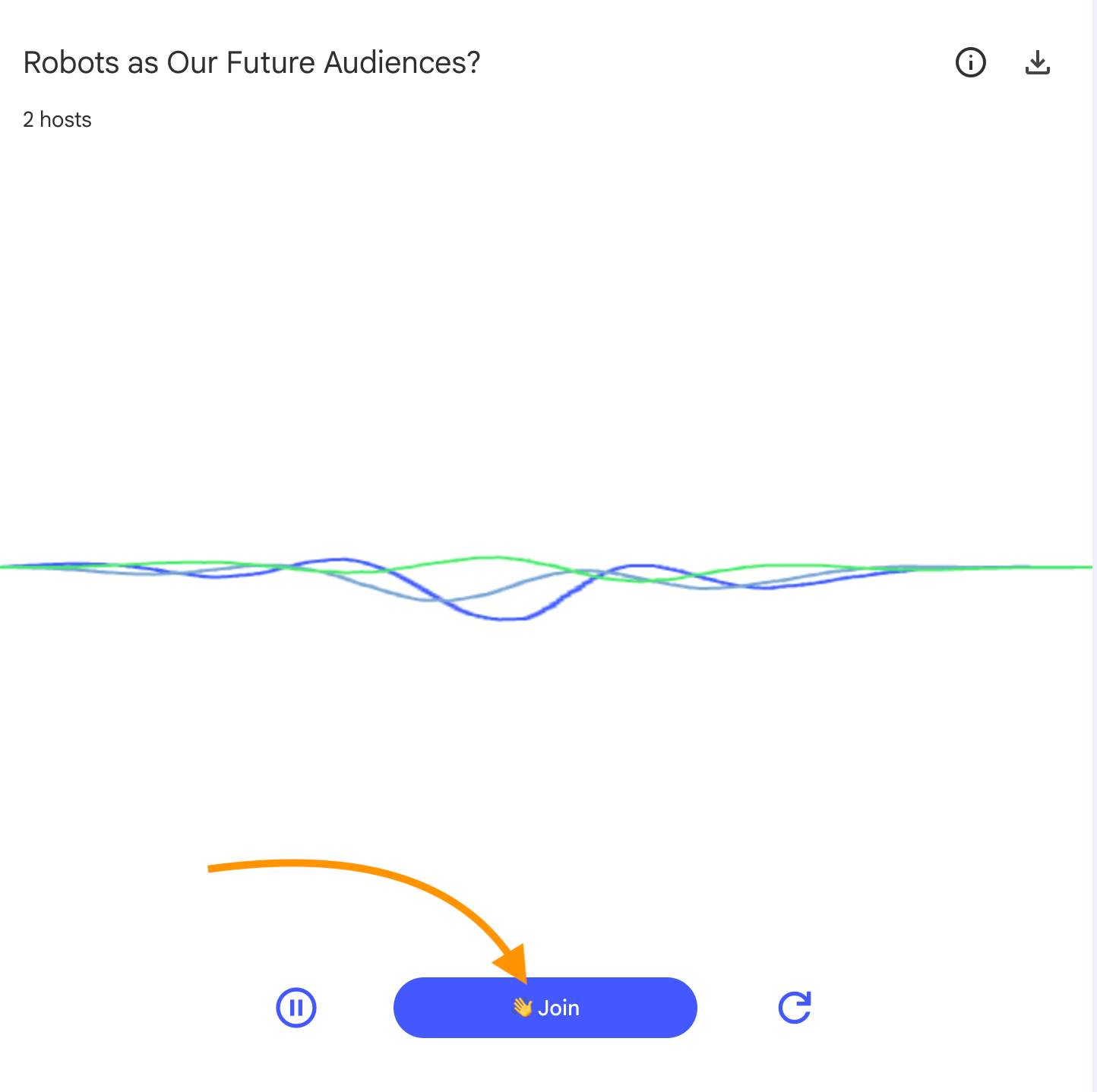
As you may have guessed, it works just like raising your hand in a video meeting – except the AI hosts don't ignore you and keep on yapping 😉
Instead, the synth voices will stop and mention that there is a question, and then you just fire away. This short YouTube video shows you how it works and you can read more about interactive mode at Google's blog.
I have only used this feature in more experimental and demonstration situations, but it's very likely that I'll use it more frequently.
And hopefully the two skin jobs won't mind if I talk with my mouth full.
💡 Got something to share?
Do you have any experiences or tips regarding NotebookLM – either the audio overview feature or more generally?
I'd be thrilled to hear about it - just reply to this email or write to me at lars@larskjensen.dk.
My name is Lars K Jensen, and I work with journalism and editorial insights as the Audience Development Lead at Berlingske Media in Denmark. This is my personal newsletter.
Feel free to connect on LinkedIn and say hi.